Your Guide to Everyday Printer Fixes
From setup confusion and paper jams to unclear error messages and connectivity issues, our site offers clear, easy-to-follow guides, practical tips, and step-by-step solutions for all common printer problems. Whether you’re troubleshooting at home or in the office, we make fixing your printer simple and stress-free.
Making Printers Easy for Everyone
We are committed to helping users overcome everyday printer challenges with straightforward, practical guidance. Through simple, easy-to-follow instructions, we empower you to quickly and confidently resolve common printer issues.
Common Printer Issues Explained

Printer Setup Confusion
Wrong cables or skipped steps cause setup issues.

Wireless Connection Issues
Weak Wi-Fi or network changes break printer connections.

Paper Feeding Errors
Misaligned trays or dirty rollers trigger jams.

Ink and Alignment Problems
Low ink or clogged nozzles blur prints.
Printer Options for Every Need
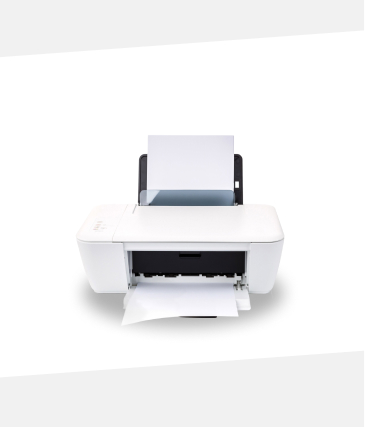
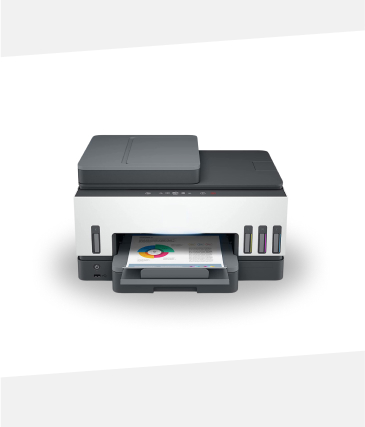
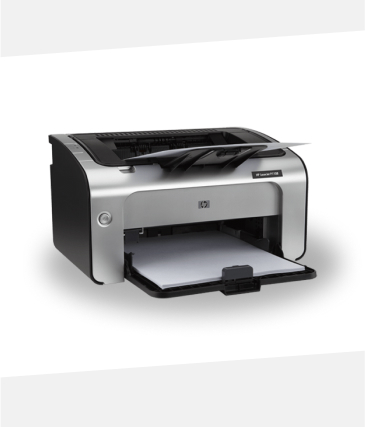
Inkjet Printer
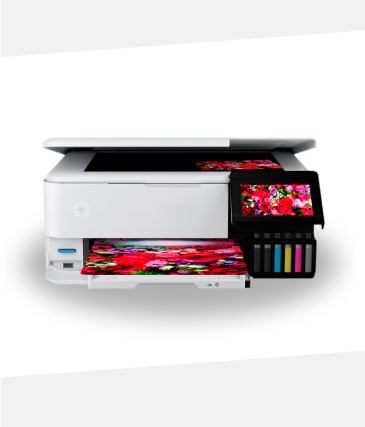
Supertank Printer
Inkjet Printer
Inkjet Printer
Checkout our Latest Blog Posts
1. Incorrect Wi-Fi Settings
If your printer won’t connect to Wi-Fi, the most common reason is incorrect network settings. Ensure the printer is set to the correct Wi-Fi network and that the password is entered accurately. Double-check if your router supports the frequency band your printer uses (2.4 GHz vs. 5 GHz).
2. Network Connectivity Problems
Sometimes the issue is with the network itself rather than the printer. Make sure your Wi-Fi is working properly and that other devices can connect. Restarting your router and printer can often resolve temporary connectivity issues.
Printer Software or Driver Issues
Outdated printer drivers or firmware can prevent Wi-Fi connections. Check the manufacturer’s website for the latest drivers and firmware updates. Reinstalling the printer software on your computer or mobile device can also help re-establish a connection.
Make Every Print Count
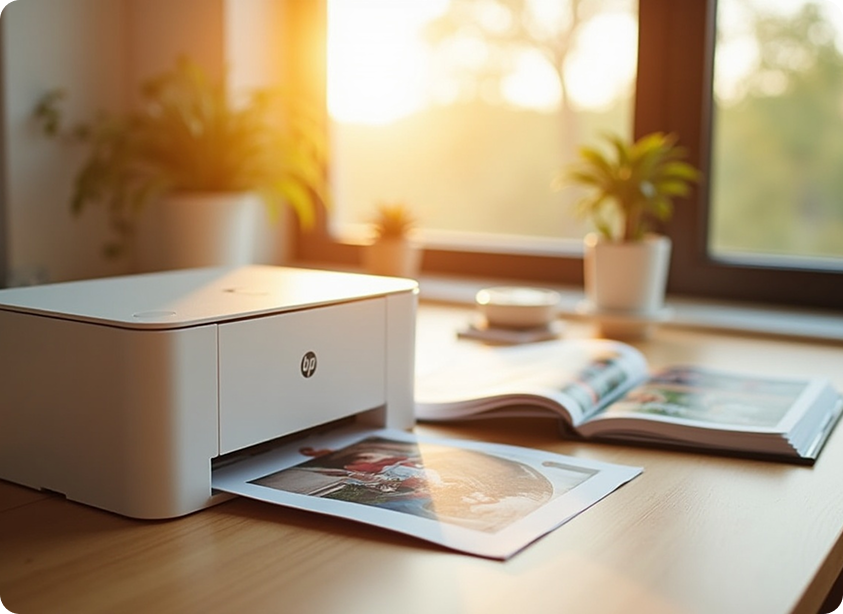
From cherished family albums to bold new ideas, every print tells a story. Today’s smart printers are designed to make printing easy, affordable, and eco-friendly. These devices operate quietly, use less ink, and deliver vibrant, accurate results on every page.
Eighty percent of our printers feature smart ink optimization, helping you save money and resources while still delivering exceptional print quality.
Real Results from Our Clients Review
Sophia s.
Excellent service! My printer has never worked better.
Robert M
Fast, reliable, and easy-to-follow solutions—highly recommended
James R
The team made printer troubleshooting so simple and stress-free
Robert M
Quick fixes and clear guidance—my printer is back to perfect working order
Disclaimer
Important information regarding the use of our services
The content, guidance, and services provided on this platform are intended solely for informational and solution-oriented purposes. While every effort is made to offer accurate, up-to-date, and reliable assistance for printer setup, troubleshooting, and related needs, we cannot guarantee complete accuracy, completeness, or uninterrupted availability of the information presented.
We are not responsible for any direct, indirect, incidental, or consequential damages that may occur from the use or inability to use the information, services, or resources provided. Users should always follow official manufacturer instructions and safety guidelines when operating their devices.
All brands, trademarks, and logos mentioned remain the property of their respective owners and are used strictly for descriptive or informational purposes. By using this platform, you acknowledge and agree to this disclaimer and understand that the services are provided “as is,” without any implied warranties or liabilities.
This disclaimer may be updated periodically without prior notice. Users are encouraged to review this section regularly to stay informed about any changes.
For any questions or concerns regarding this disclaimer, please contact us.

PrinterAid
The information provided is intended for general troubleshooting purposes only. Results may vary depending on your printer model, network configuration, and device settings. For precise guidance, always refer to official manufacturer instructions or consult a qualified professional.